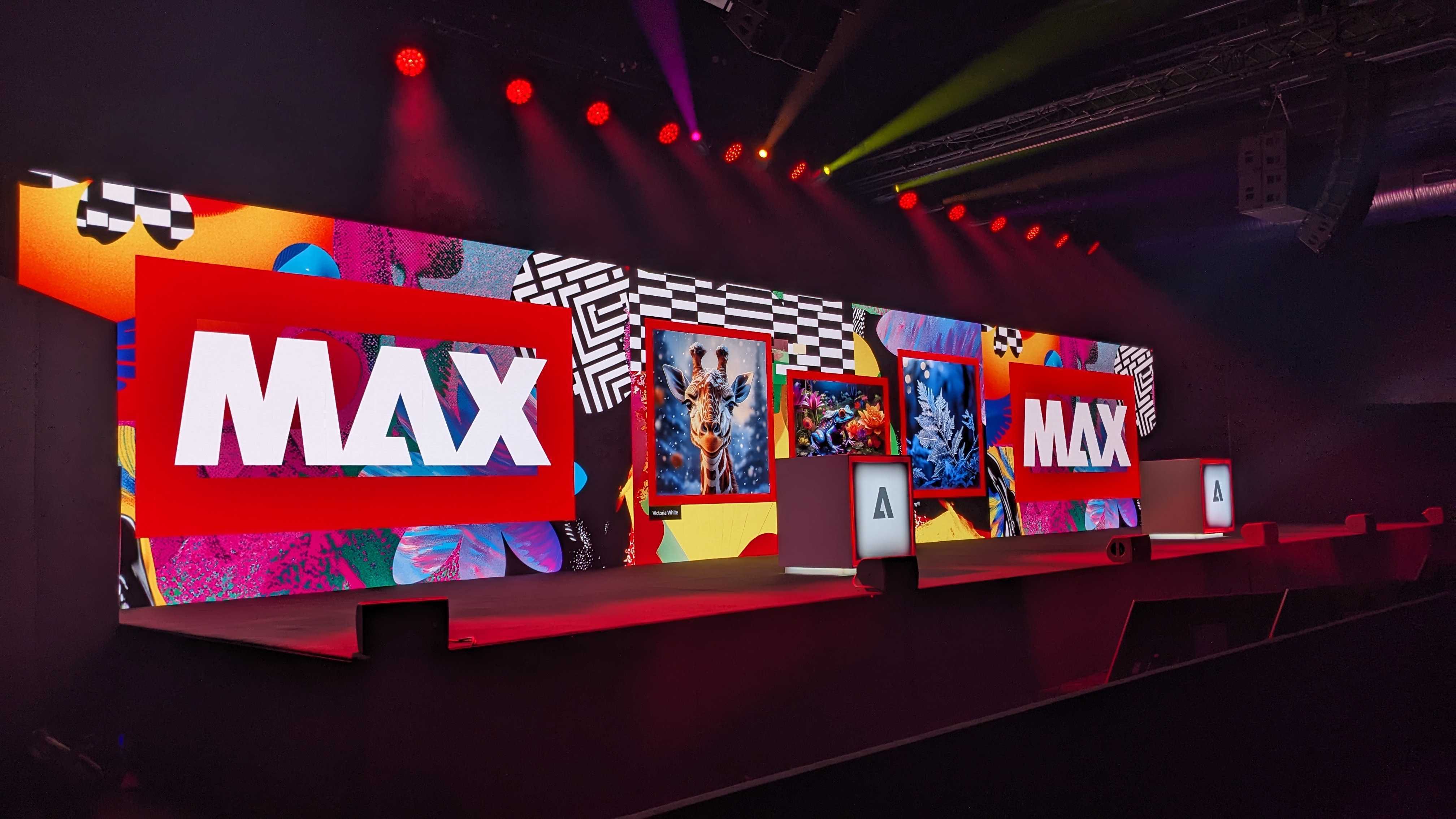
Every year, Adobe MAX arrives with new ideas, bold announcements, and the promise of better creative tools. But Adobe MAX 2025 stands out for one reason: the updates are not just exciting—they’re instantly useful.
This year’s releases are designed to fit directly into a modern designer’s workflow, especially as more creatives integrate intelligent automation and advanced AI design tools.
If you’re a graphic designer, illustrator, or visual communicator, this event made one thing clear:
your creative direction matters more than ever—and now the tools finally support that.
This blog breaks down the 7 most impactful updates announced at Adobe MAX 2025, along with short, practical tutorials to help you start using them today.
1. Firefly Custom Models 2.0 — Your Style, Trained with Precision
One of the most talked-about features this year was the upgrade to Firefly Custom Models. The newest version lets you train the system using your own brand assets, illustrations, or design language—so outputs feel consistent with your style instead of generic.
This means your design system becomes scalable, editable, and instantly reusable across projects.
Why It Matters
Visual identity requires consistency, and recreating a specific style over and over is time-consuming.
With Firefly Custom Models, Adobe has made it possible to preserve your creative signature while speeding up concepting and exploration.
Quick Tutorial
- Open Firefly → Custom Models
- Upload 10–20 assets from a design series.
- Select output type (Illustration, Vector, Photo).
- Train the model → export to Photoshop or Illustrator.
This feature alone can transform brand design workflows.
2. Photoshop AI Assistant — Real-Time Design Intelligence
Photoshop’s biggest new feature is an on-canvas intelligent assistant that understands layers, masks, lighting, and visual context.
Instead of manual retouching, you get conversational commands that instantly apply changes while keeping full creative control.
Why It Matters
Tasks that once took minutes—or hours—can be handled in seconds. This means more mental space for creative problem-solving and less energy wasted on repetitive corrections.
Quick Tutorial
- Highlight the desired area.
- Open AI Assistant → type:
“Clean skin texture. Keep highlights natural.” - Review the auto-generated layer and refine with masking.
It’s a huge step forward in the evolution of smart, designer-friendly automation.
3. Generative Expand 2.0 — Seamless Scene Extension
The enhanced Generative Expand tool is now scene-aware. It understands perspective, color temperature, texture, and lighting—allowing you to expand images with incredible accuracy.
This update is a dream for designers who often need extended backgrounds for banners, posters, and hero images.
Why It Matters
Instead of recreating backgrounds manually or relying on patchy cloning, you can now extend compositions cleanly and instantly.
Quick Tutorial
- Extend your canvas.
- Select Generative Expand.
- Prompt: “Extend soft studio background with gradient lighting.”
- Adjust with the Blend Strength slider.
This is one of the most practical enhancements announced at Adobe MAX 2025.
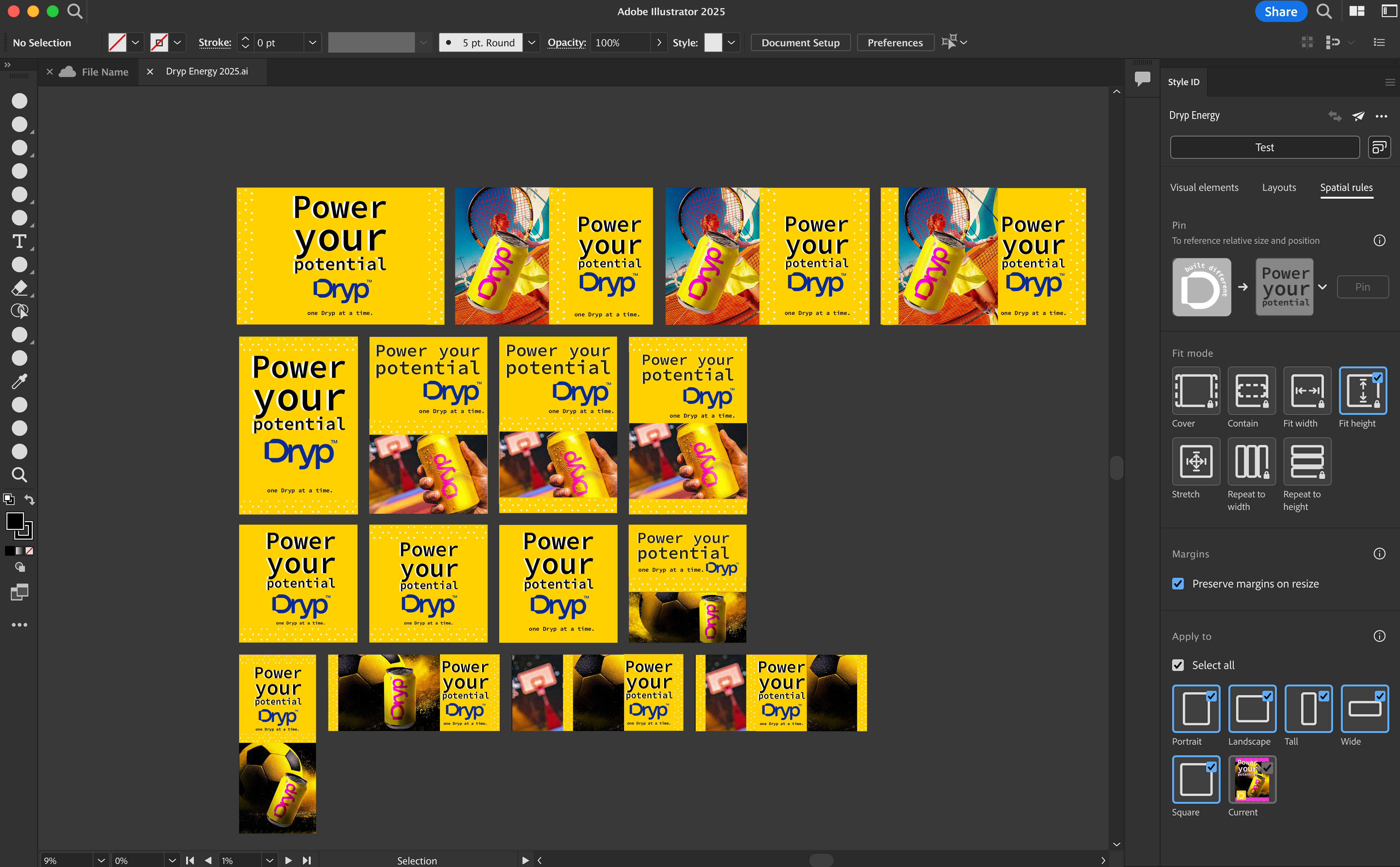
4. Adobe Express AI Assistant — Fast Social Content for Designers
Adobe Express has quietly evolved into a powerful design companion. The new AI Assistant now generates layouts, rewrites copy, resizes designs, and animates posts using your brand kit.
Why It Matters
Designers often need quick turnarounds—social ads, reels, client previews, and pitch mockups. Express now handles the “fast work,” allowing you to focus on higher-value creative tasks.
Quick Tutorial
- Upload or select your Brand Kit.
- Click Generate with AI.
- Prompt: “Create a minimalistic sale banner with bold typography.”
- Auto-resize → export in all formats.
For rapid content creation, this is one of the most user-friendly AI design tools available today.
5. Illustrator Vector AI — Clean, Editable Vector Generation
Illustrator now supports true generative vector creation—with perfect anchor points, smooth curves, and edit-ready shapes.
This update replaces the messy raster-to-vector workflow and gives designers more precision than ever.
Why It Matters
Vector work is central to branding, logos, icons, and packaging. This update makes Illustrator smarter, cleaner, and dramatically more efficient.
Quick Tutorial
- Go to Generate Vector in Illustrator.
- Upload a reference image or choose a style.
- Prompt: “Flat geometric illustration of a creative workspace.”
- Edit anchor points and path widths as needed.
For specialized illustration workflows, this is one of the strongest upgrades in years.
6. Premiere Pro Auto-Edit — Smart Editing for Reels & Short Videos
The rise of short-form video continues, and Premiere Pro now includes Auto-Edit: a feature that builds timelines automatically using beat detection, scene highlights, and clip scoring.
Why It Matters
Designers who create reels, promos, or short ads can now edit videos with much less effort—without compromising style or quality.
Quick Tutorial
- Import footage.
- Select Auto-Edit → Highlight Reel.
- Choose music → turn on Beat Match.
- Add your brand typography preset.
Motion content creation becomes as intuitive as static design.
7. After Effects Scene Aware Tracking — Pin-Point Motion Precision
After Effects now includes AI-powered scene-aware tracking that understands depth, occlusion, and motion with impressive accuracy.
Why It Matters
Attaching text or graphics to real-world footage is easier than ever, especially for product videos, UI displays, or typography overlays.
Quick Tutorial
- Import footage → choose Scene Aware Tracking.
- AE generates null objects automatically.
- Attach graphics or text to a selected null.
- Add Stabilize + Track if needed.
If you work with motion graphics, you’ll appreciate how much time this saves.
The Bigger Picture — A New Era for Visual Communicators
Across all these features, one message stood out clearly at Adobe MAX 2025:
Designers are not being replaced—designers are being empowered.
Here’s what the shift means:
1. Creative direction becomes your core skill
Repetitive work is handled by AI design tools, leaving you free to explore ideas, concepts, and visual narratives.
2. Your style becomes a system
With tools like Firefly Custom Models, your unique creative identity becomes scalable and consistent across projects.
3. Motion design becomes part of everyday workflows
With Auto-Edit and improved tracking, designers can now integrate video without needing expert-level knowledge.
4. Speed no longer means compromise
You create faster, but you also create better—with more room for experimentation.
Final Thoughts
This year’s Adobe releases reflect a profound shift in how designers work.
We’re entering a creative environment where intelligent automation supports artistry—not the other way around.
If you want to explore deeper workflows, tutorials, and real-world applications of these updates, stay tuned on Solely Pixels.
The tools are evolving—but your creative voice remains at the center of everything.
Your ideas matter.
Now, your tools finally move at the speed of your imagination.